

The easiest way to learn Chaos Vantage.
✔️ See how to achieve ultra-realistic renders.
✔️ Master Archviz from start to finish.
✔️ A community of artists connected to the biggest companies in the country.
✔️ Exclusive techniques created by Thi Lima (not available on YouTube).
✔️ The course is structured linearly, from modeling to post-production.
✔️ Learn to work in an organized way and prepare for big projects.
✔️ 2 years access to the classes.
✔️ Free updates.
✔️ 2 year of support for your questions (renewable).
✔️ Portuguese, English and Spanish subtitles
✔️ #no coach talk.
What will you learn?
activate the video subs.
Prerequisites
• 3Ds Max 2024 +
• Chaos Corona 13 +
• Chaos Vantage 3 +
• After Effects 2024 +
• CPU: Intel i7 ou AMD Ryzen 7 ou +
• GPU: Nvidia RTX + | AMD RX 6000 +
• Ram: Equal or exceed your GPU memory
#01
Quick Start
In just the first 7 lessons, you will learn everything Chaos Vantage can do, from installation to rendering images and videos, in a very practical way.

+1 hour
7 lessons
#02
Interface
From this module onward, everything will be taught in-depth, starting with the correct way to export your scene to Vantage, and then moving on to understanding the entire Chaos Vantage interface.

+1 hour
7 lessons
#03
Rendering
In these lessons, you will learn how to use all the rendering menus in Chaos Vantage: Camera, Environment, Lights, Objects, Materials, and Render Settings, achieving a quality in real-time similar to that of Chaos Corona.

+4:30 hours
38 lessons
#04
Scene States
In this module, you will learn about "Scene States", a tool capable of generating variations of your scene with different lighting, objects, and materials, all within the same file.

+12 mins
1 lessons
#05
Final Renders
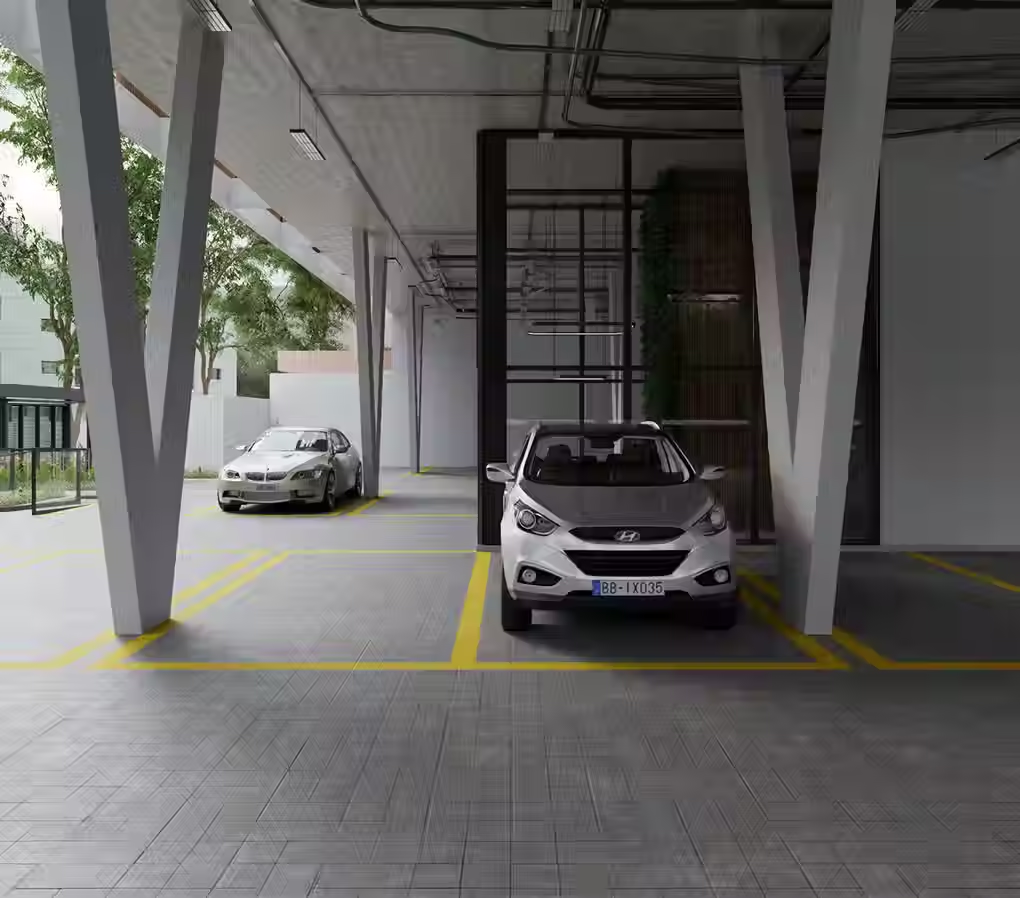
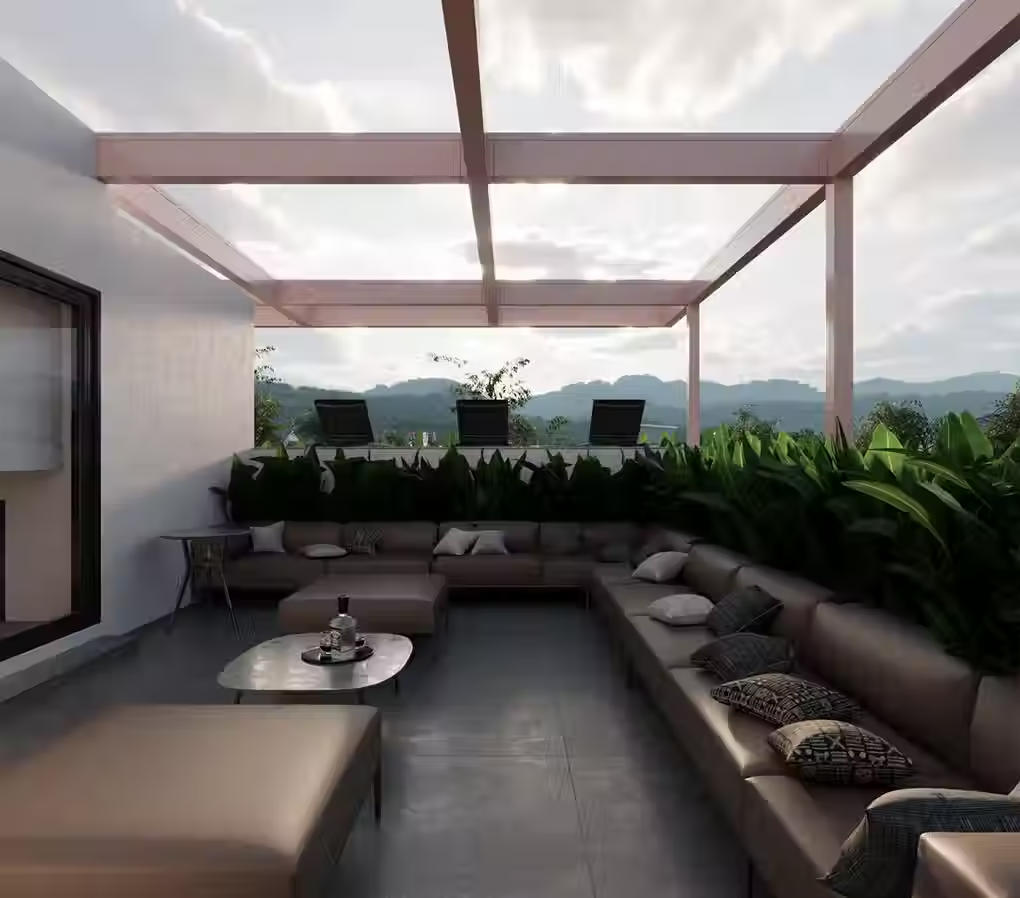
You will see all the ways to render static images with the best quality and in the shortest time possible, utilizing Chaos Vantage in the most optimized way.






+39 mins
5 lessons
#06
Animations
In this module, you will learn how to create animations for cameras, objects, lights, sun studies, wind in clouds and vegetation, and also how to render these animations with professional quality and in the shortest time possible.

+1:10 hours
9 lessons
Discover all the course content.
001 - What is Chaos Vantage
002 - Installing Chaos Vantage
003 - Chaos Vantage - Interface
004 - Exporting from Corona to Vantage
005 - Lighting, Materials, and Cosmos in Vantage
006 - Rendering images and animations with Vantage
007 - Vantage - Live Link001 - Exploring the scene
002 - Exporting the scene from 3ds Max to Vantage
003 - Main Menu - File
004 - Main Menu - Edit
005 - Main Menu - Final
006 - Top Menu
007 - New Stats001 - Exporting all Cameras
002 - Camera - Size, Length, Exposure
003 - Camera - DOF, Tilt, Clipping
004 - Camera Lister
005 - Depth Optical Vignetting001 - Exposure and Filmic Tonemap
002 - Color Correction Effects
001 - Sky and Sun
002 - HDRI
003 - Mastering External Lighting - Daytime, Sunset, Overcast
004 - Mastering External Lighting - Dusk and Night
005 - Mastering Internal Lighting
006 - Clouds
007 - Simple Fog
008 - Scattering Fog
009 - Scattering Fog - Texture Mode
010 - Scattering Fog - Ground Fog
011 - Ambient Settings
012 - Background
013 - Moon and Stars001 - Creating Lights
002 - Corona Lights
003 - Standard Lights
004 - Projectors
005 - Light Include and Exclude001 - Chaos Scatter
002 - Fur
003 - MultiMatte
004 - Clipper
005 - Water Surface
006 - Clustering001 - Claymode and Display modes
002 - Replacing Materials
003 - Displacement
004 - Material Editor001 - Noise Threshold and Firefly Filter
002 - Advanced Noise Threshold x Samples
003 - Lighting, Materials & Textures Settings001 - Scene States & Sub-States
001 - Setting up lighting and States - pt1
002 - Setting up lighting and States - pt2
003 - Setting up lighting and States - pt3
004 - Render Settings and Final Renders
005 - Fixing materials001 - Viewport and Camera Animations
002 - Object animation
003 - Light animation
004 - Sun animation (Geolocation)
005 - Wind in clouds and vegetation
006 - Final Animation - Overview
007 - Final Animation - Cameras
008 - Final Animation - Previews
009 - Final Animation - Rendering

Thi Lima
*Teacher
Graphic Designer and Generalist 3D Artist with 20+ years of experience, especially in photorealistic 3D rendering.
He has worked as a Graphic Designer, Web Designer, Art Director, and 3D Finisher for advertising, product design, and animation. He is the only professor and the first Brazilian to win the 3D AWARDS , the most prestigious Archviz award in the world.
Their methodology aims to train truly self-sufficient professionals, combining theory and practice so that they can work in any area of 3D, especially in archviz.
47
Prizes
5
Events
9
Publications
+12K
Students
The biggest companies trust us.








Daniel Oliveira
unadesign.com.br
This course changed the way I see 3D. More than teaching techniques, it teaches us to see reality in a different way, making the process of reproducing it easier.

Thassio Freire
Freelancer
Impeccable teaching methods. The only course where I don't need to worry about having more than one teacher; I just need to keep myself updated every year through this platform.

Kiet Lam
3ti-asia.com
Thank you to Thi Lima for this incredible Corona Render course. Everything was explained in a super detailed and practical way. You are a very dedicated teacher. I'm glad I made the right decision in participating in this course.

Martin Kofoed
3d-vizual.dk
This course is, to date, the most comprehensive immersion into Corona Render and all its features. I highly recommend it to anyone who wants to become a master of Corona and rendering in general.

Amanda Gonçalves
Freelancer
It far exceeded my expectations! The course is excellent, Thi's teaching style is amazing! The support is also an incredible way to continue studying and continuously improving your work. I recommend it 200%.

Fernando Bandeira
Freelancer
Not a course, a COLLEGE!
Courses teach what's in the curriculum, universities train thinkers, people capable of meeting market needs. Thank you for the opportunity to be part of this great content.

Rodrigo Losano
Freelancer
The course is AMAZING! It far exceeded my expectations, all the techniques and content covered are excellent, the teaching method is very good/practical, and the support that Thi Lima offers is fantastic! The best course focused on Archviz!

Carlos Eduardo
whitehousecgistudios.com
It far exceeded my expectations! The course is excellent, Thi's teaching style is amazing! The support is also an incredible way to continuously improve your work. I recommend it 200%.

José Arturo
Freelancer
He's by far the best. The way Thi Lima teaches is simply incredible; he has the ability to show many things that, whether you're a beginner or have years of experience in Archviz, you might ignore or never pay attention to.

Tobias Bueno
Freelancer
The course is really very good, it greatly improved the level of my work. Best of all, you understand the parameters, you understand how materials and lighting work in real life to reproduce them in 3D. I highly recommend it!